NewEnglish · Spanish & Portuguese subtitles
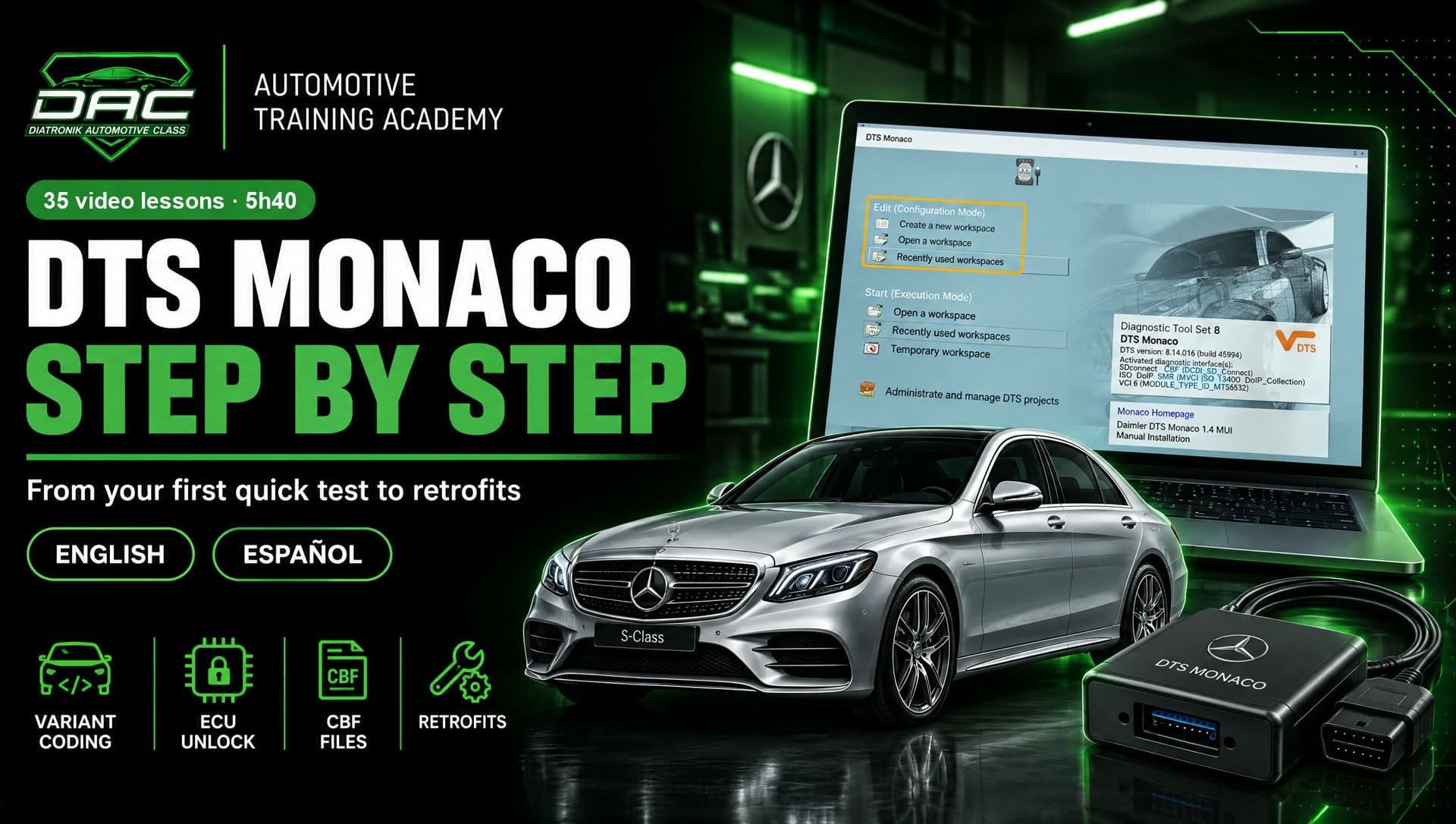
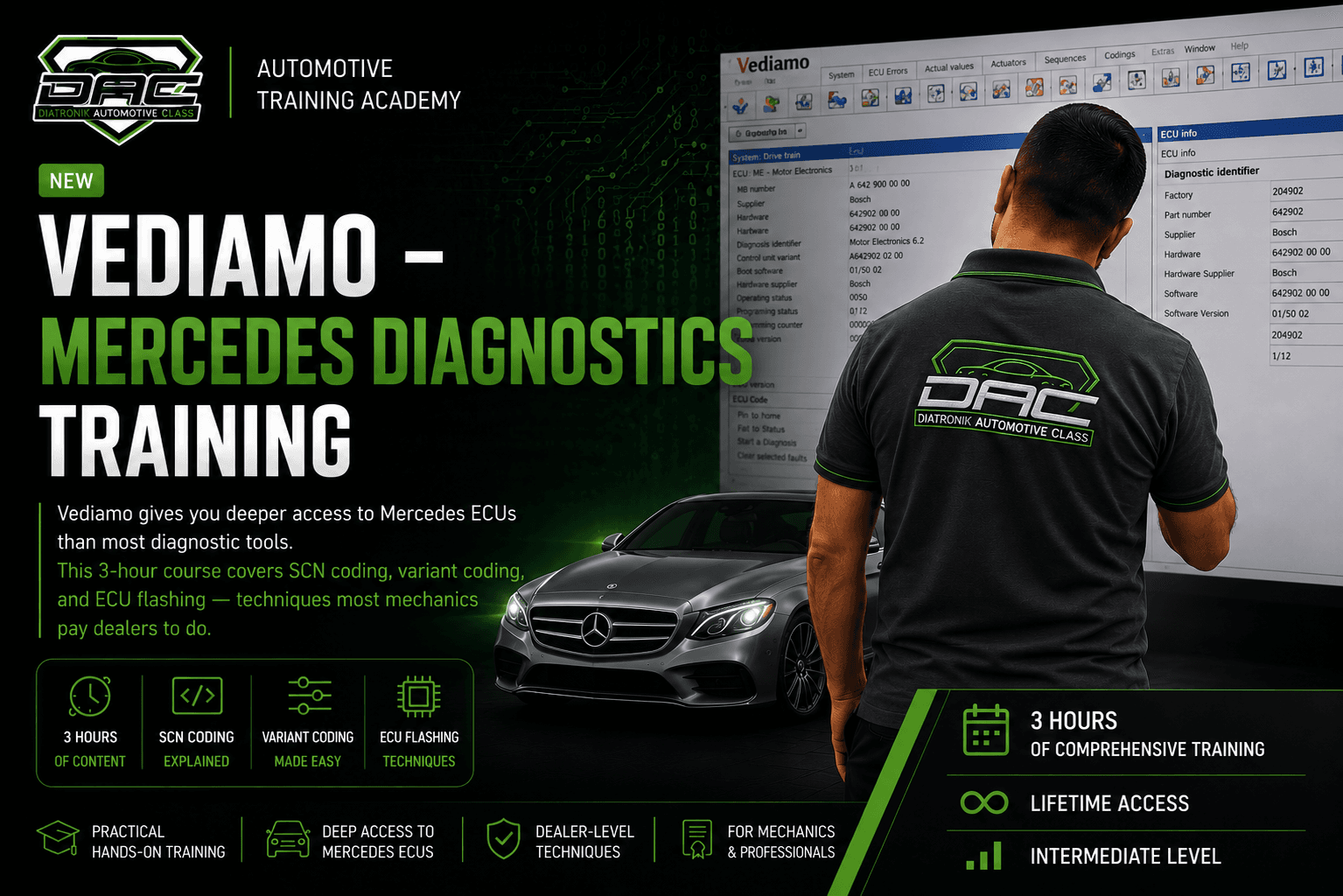
Vediamo & DTS Monaco Full English Class – Mercedes-Benz Coding & Flashing
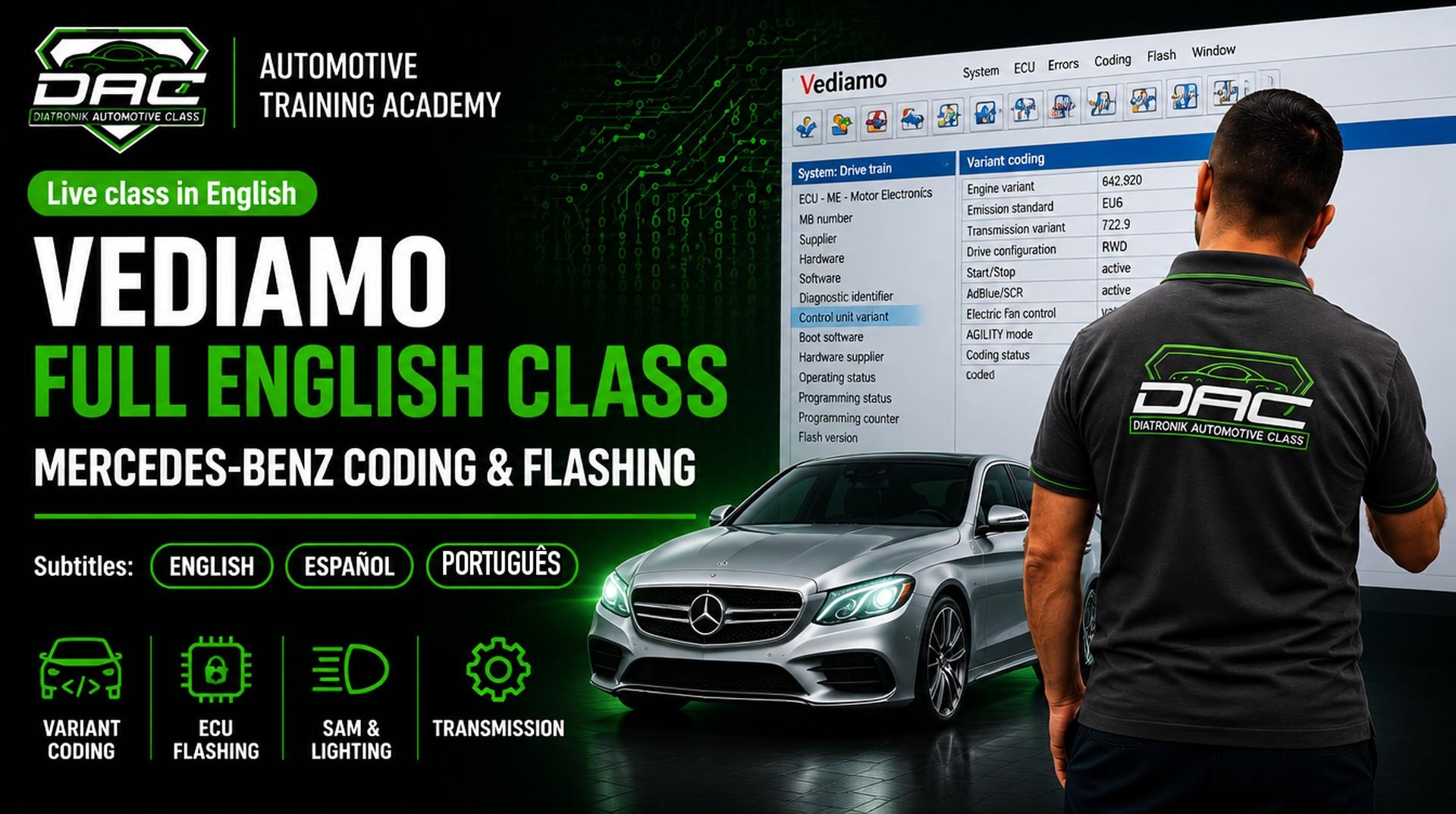
A complete live class on Vediamo, the Mercedes-Benz engineering software for offline coding and programming, taught in English by Moe Diatronik. It starts from zero: the Start Center, CBF files, connecting to a module, reading ECU data, saving coding and flashing. The main example is a full LED headlamp retrofit on an E-Class 212: the WIS wiring diagram, the connector pinout, then coding the SAM and both LED headlamp modules. The same coding and flashing are then shown in DTS Monaco, and the class ends with renewing a used VGS transmission control unit for a 204. Watch it with English, Spanish or Portuguese subtitles.
Free preview
$250$350
Save 29% vs the regular price
5.0(48 reviews)



Secure payment by Stripe
- Lessons10
- Duration2h30
- AccessLifetime
- LanguageEnglish · Spanish & Portuguese subtitles
What you will learn
- ✓Use the Vediamo Start Center and connect to a module with the right CBF file
- ✓Read the ID block, change the VIN, read and clear fault codes
- ✓Save the full coding of a module and build your own coding database
- ✓Find, add and flash compatible CFF / SMR-F flash files
- ✓Plan an LED headlamp retrofit on an E-Class 212 with the WIS wiring diagram
- ✓Code the SAM and the LED headlamp modules by copying coding strings
- ✓Do variant coding and flashing in DTS Monaco
- ✓Renew a used VGS transmission control unit: VIN, flash, coding, adaptation
Who is this for?
- ✓Mechanics and diagnostic technicians working on Mercedes-Benz cars
- ✓Beginners in Vediamo or DTS Monaco who want a step-by-step walkthrough
- ✓Workshops doing headlamp retrofits and module replacement
- ✓Technicians who need offline coding and programming without online access
Course content
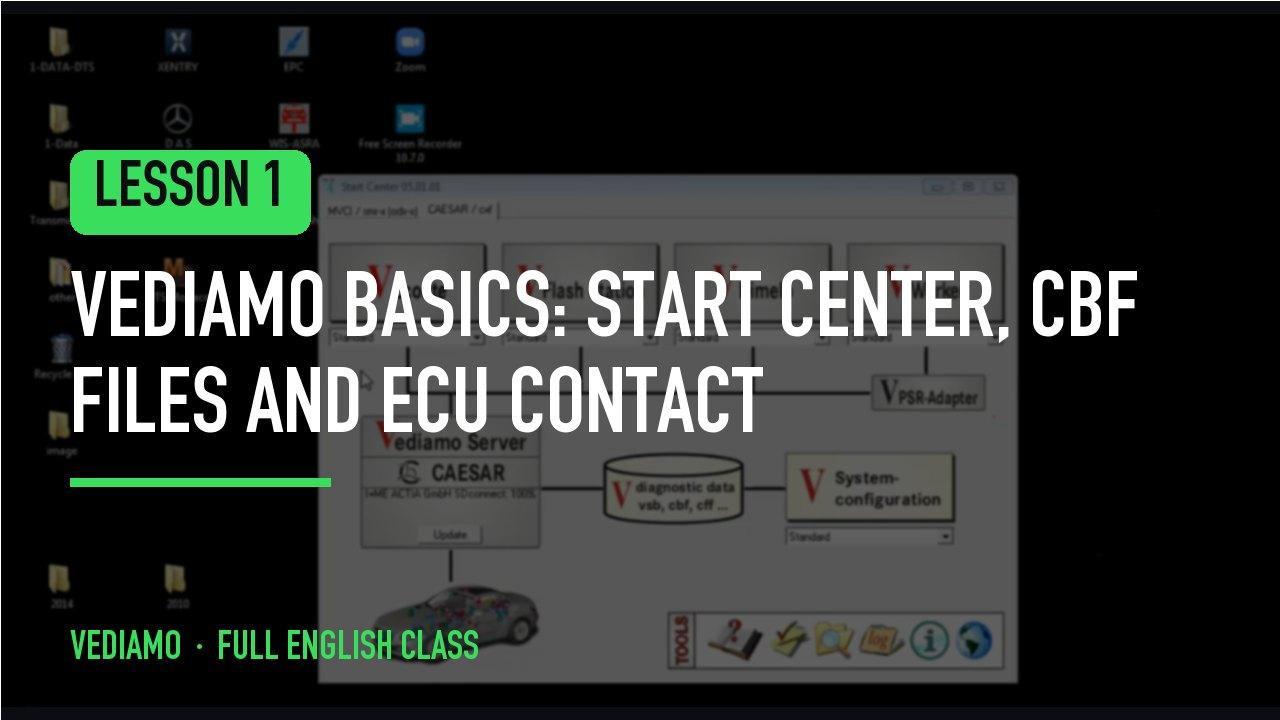
Lesson 1· 10 minFree preview
Vediamo basics: Start Center, CBF files and ECU contact
The instructor explains what Vediamo is (Mercedes-Benz engineering software) and why offline coding and programming matter now. He opens the Start Center, explains the database files (CBF, CFF, SMR-F) and connects to an E-Class 212 SAM on the bench: system selection, choosing the SAM 212 CBF and initiating ECU contact. A student question shows where to find module abbreviations in Xentry.
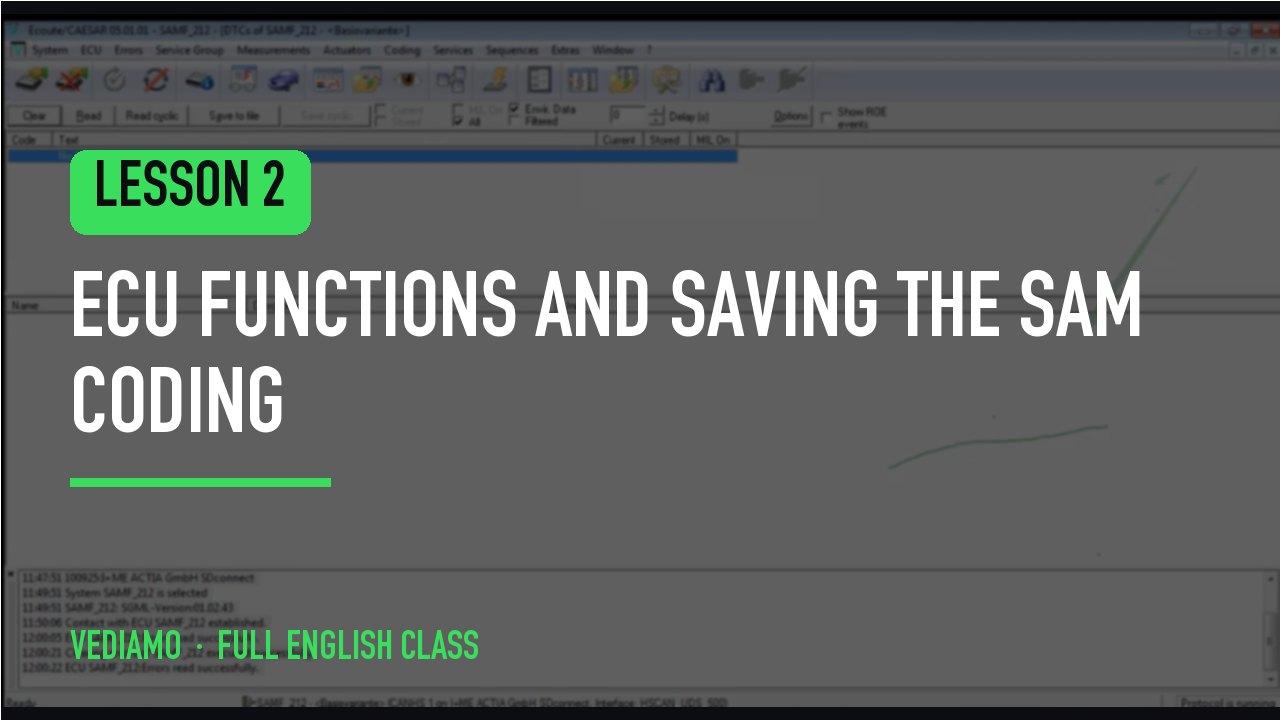
Lesson 2· 14 min
ECU functions and saving the SAM coding
Inside Ecoute on the SAM 212: hard reset and odometer values under Download, reading and changing the VIN under Routine, the ID block with part number and software block, and reading/clearing fault codes (the interface stays in German). Then variant coding: saving the complete coding of the SAM to a file and building your own coding database (Euro/USA, with or without panoramic roof).
Lesson 3· 10 min
Flashing in Vediamo: finding and adding flash files
How to flash a module with Ecoute: find the compatible flash from the software block, download the CFF or SMR-F file with a flash download tool and add it in Flash data administration. The live flash on the SAM is refused (flash data not available); the instructor explains why a flash can fail (bug-fix variant, ECU not responding) and says the flash is shown later on the transmission. The lesson ends with reading and saving all measurement values.
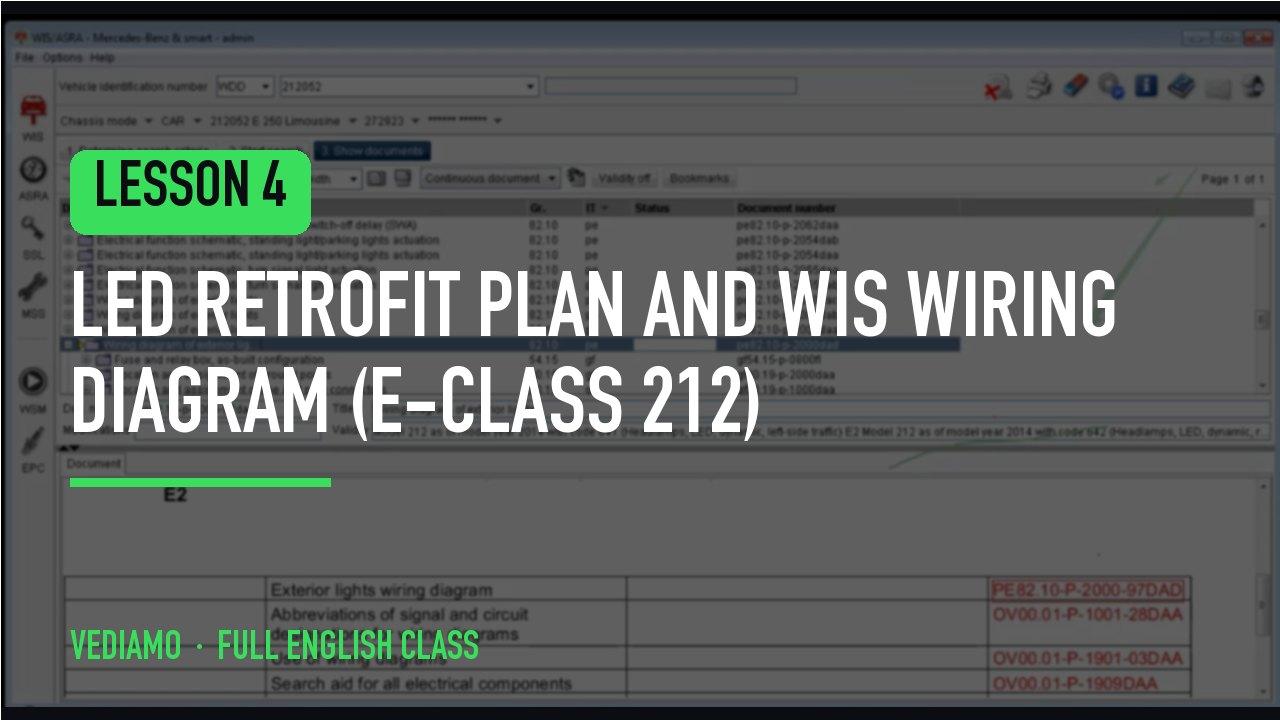
Lesson 4· 19 min
LED retrofit plan and WIS wiring diagram (E-Class 212)
The four-step plan to upgrade a 2010 E-Class 212 to 2014 full LED headlamps: save the original coding, disconnect the battery, wire from the diagram, then code. The instructor finds the 212 exterior light wiring diagram in WIS (code 641/642, LED headlamps), explains the headlamp connector pinout and why the 212 also needs a newer SAM (FBS3 vs FBS4), while many other models only need coding.
Lesson 5· 29 min
Coding the SAM for full LED headlamps
The SAM coding of a 2014 full LED 212 is copied parameter by parameter: open each VCD light parameter (dipped beam, high beam, turn signals, standing light, side marker and more), copy the coding string, paste it in Manual coding and press ECU coding. The instructor also shows how to switch off open-load monitoring fragments so exterior light warnings stay off the dashboard, and how to translate the German parameter names in the browser.
Lesson 6· 18 min
Q&A: which modules to back up and retrofit problems
Answers to students' questions: Vediamo reads and writes coding one module at a time, and the six or seven modules worth backing up are shown on 213 and 205 module lists (gateway, ESP, transmission, engine, SAMs, cluster, radio, airbag). Also covered: saving coding from Manual coding, hybrid cars, why this coding needs no seed calculator, how SCN coding can undo an earlier retrofit, coding versus bench cloning of a gateway, and re-flashing after a wrong flash file.
Lesson 7· 7 min
Coding the LED headlamp modules (HLI FL212 / FR212)
After showing the headlamp working as full LED, the instructor selects the headlamp CBF (HLI FL212 left, HLI FR212 right) and transfers the coding of every fragment from the 2014 coding file. Students learn that the SAM must be coded even when it is not replaced, and the difference between a used headlamp unit (already coded) and a new one.
Lesson 8· 13 min
DTS Monaco: workspace, diagnosis and variant coding
The same headlamp coding done in DTS Monaco: open the BR_212 workspace, run the short test (Kurztest), use the diagnostic services on the HLI (hard reset, ECU ID, read and clear DTC) and open variant coding. Loading a saved coding set and pressing Do Coding writes all changed values in one go, the main advantage over Vediamo. Includes a Q&A on where coding parameter databases come from.
Lesson 9· 9 min
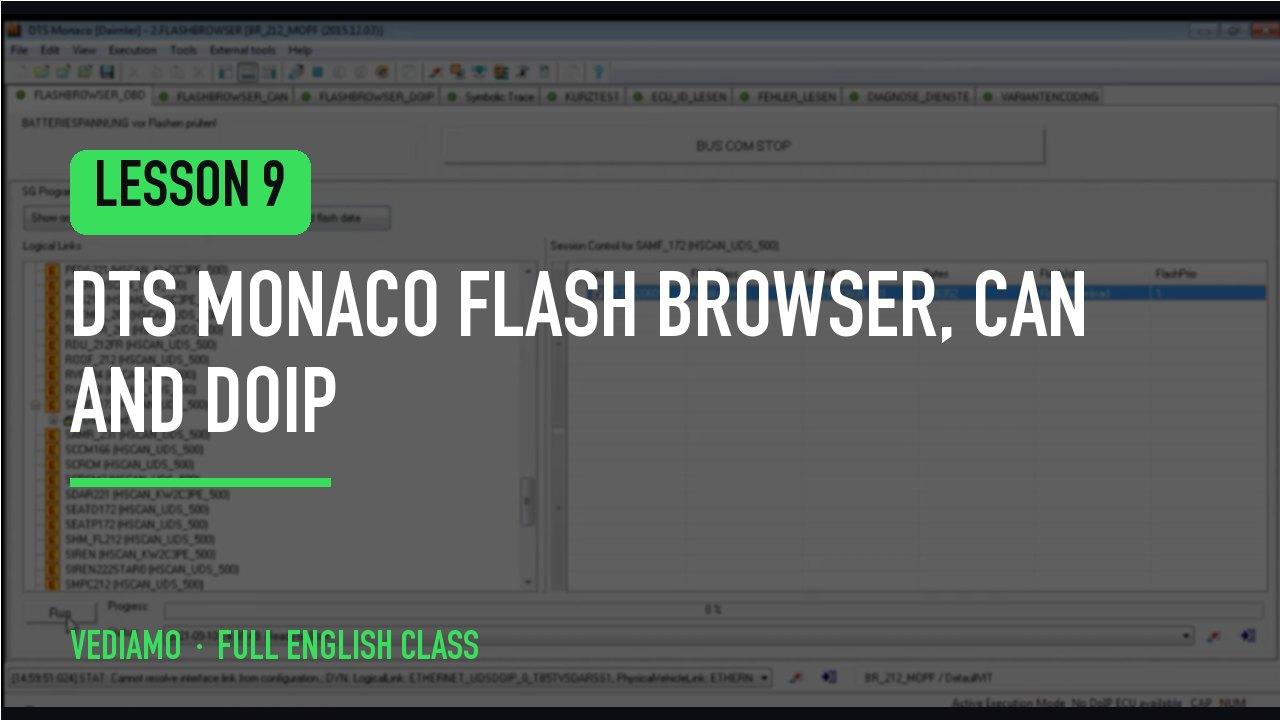
DTS Monaco flash browser, CAN and DoIP
Flashing with the DTS Monaco flash browser: open the workspace for flashing, add flash data temporarily and start the session on the SAM 172 (this demo stops at 99%). The instructor explains running several flash files in one session, choosing the session with the right CAN speed, modules that flash only over CAN on the bench, DoIP for the newest models, and how DTS Monaco and Vediamo compare.
Lesson 10· 21 min
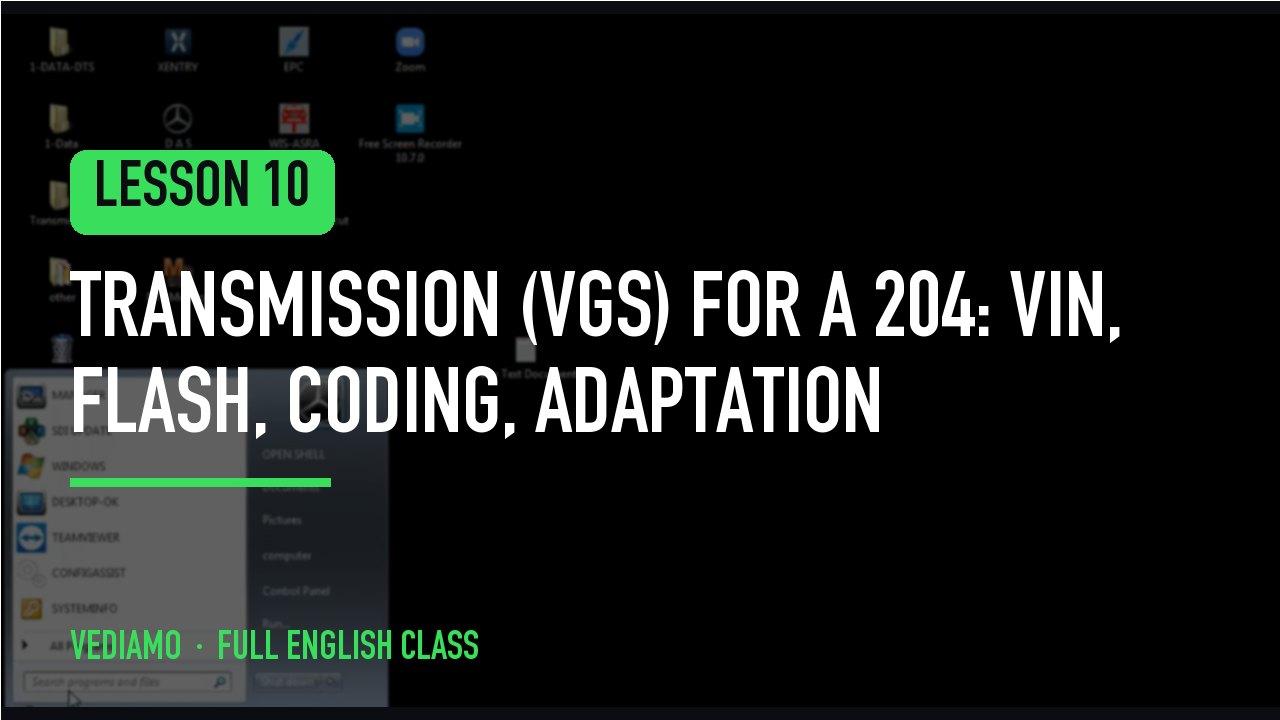
Transmission (VGS) for a 204: VIN, flash, coding, adaptation
A used VGS transmission control unit is prepared for a 204 with Vediamo: change the VIN, decode the car's VIN to get the model code, pick the flash and coding from a table, flash it and set the variant coding (YB65). The adaptation values are then copied block by block (EEPROM blocks), the EHS number is changed and drive authorization is discussed; offline renewal works on cars up to 2013 (FBS4 after). At the end a student starts the same VGS flash in the DTS Monaco flash browser (BR_204 project).
About the Instructor

MOE DIATRONIK
Mercedes & Multi-Brand Diagnostics Expert
Recorded live with real modules on the bench — a front SAM, LED headlamp units and a VGS transmission control unit — so you see every step, the questions of the students included.
$250$350
Save 29% vs the regular price
5.0(48 reviews)
Secure payment by Stripe
- Lessons10
- Duration2h30
- AccessLifetime
- LanguageEnglish · Spanish & Portuguese subtitles